 NOVABLADE
Play the demo
Zagraj w demo
Play NOVABLADE right here in your browser: no download and no account. The demo contains levels 1 to 12 and then the demo end screen. The full version, coming soon, will include PC, PSP and PS Vita, planned from €8.
Zagraj w NOVABLADE od razu w przeglądarce: bez pobierania i bez konta. Demo zawiera poziomy 1–12, a potem ekran końca dema. Pełna wersja, dostępna wkrótce, obejmie PC, PSP i PS Vita, planowana cena od 8 €.
The demo needs a keyboard and a desktop browser. It was tested in Chrome on a computer; other browsers may work but were not tested.
Demo wymaga klawiatury i przeglądarki na komputerze. Sprawdzono je w Chrome na komputerze; w innych przeglądarkach może działać, ale nie było testowane.
Demo playerOdtwarzacz dema
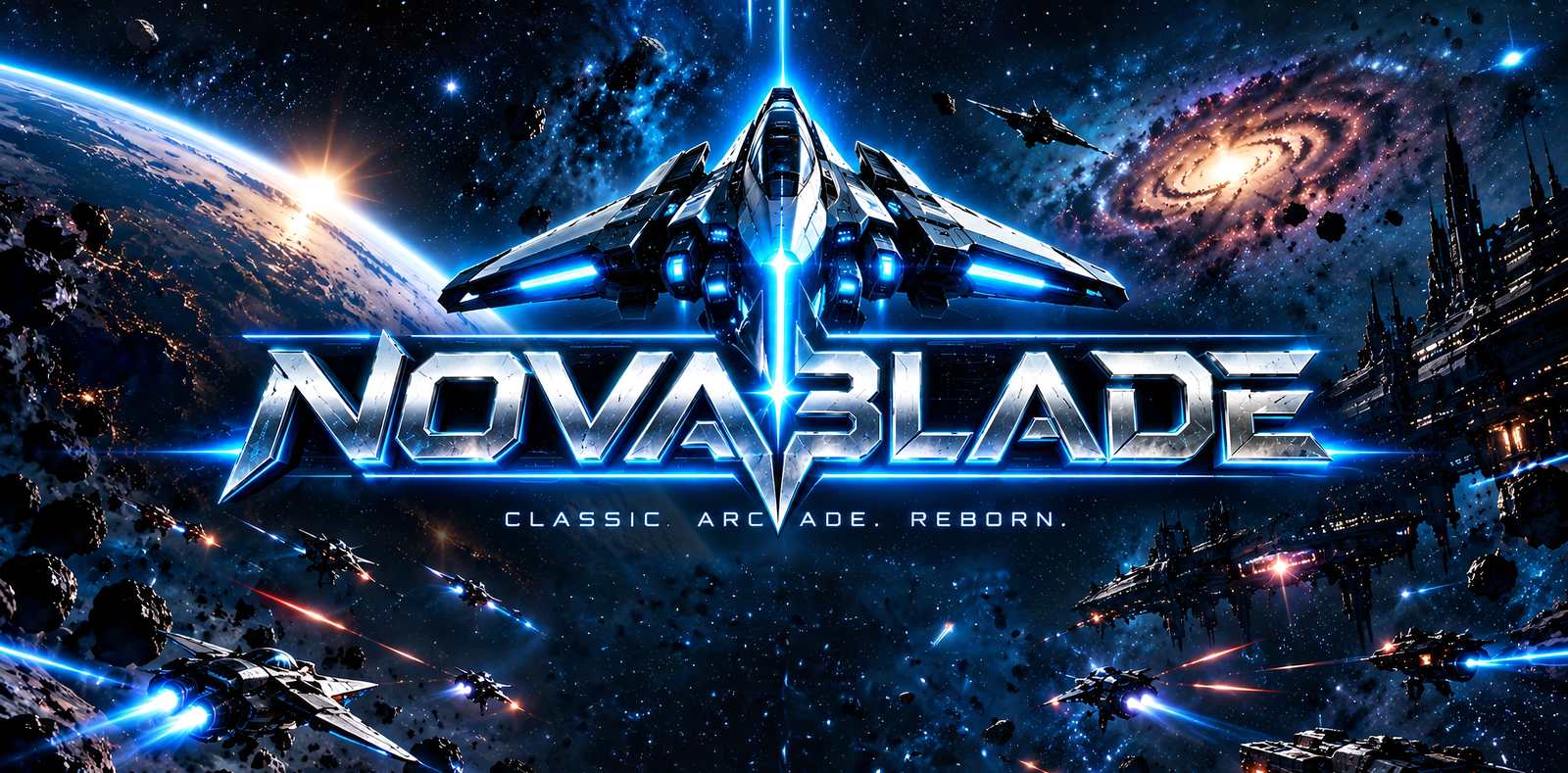
NOVABLADE – DEMO
The game files are 36 MB and download only when you press the button.Pliki gry mają 36 MB i pobierają się dopiero po naciśnięciu przycisku.
The browser demo needs a keyboard, so it is not offered on this screen. Open this page on a computer, or download the PC demo below.
Demo w przeglądarce wymaga klawiatury, dlatego nie jest dostępne na tym ekranie. Otwórz tę stronę na komputerze albo pobierz demo na PC poniżej.
NOVABLADE is a vertical-scrolling space shooter. You fly a starfighter along the bottom of the screen, shoot enemy ships and collect pickups. It is played with the keyboard.NOVABLADE to pionowa strzelanka kosmiczna. Sterujesz myśliwcem u dołu ekranu, strzelasz do wrogich statków i zbierasz bonusy. Gra się na klawiaturze.
Click the game picture once if the keys stop working. The game keeps your settings and results in this browser, on your device; nothing is sent to us (see Privacy).
Kliknij obraz gry, jeśli klawisze przestaną działać. Gra zapisuje ustawienia i wyniki w tej przeglądarce, na Twoim urządzeniu; nic nie jest do nas wysyłane (zobacz Prywatność).
Controls
Sterowanie
- ← → or A D: move. Space or Z: fire.
- ← → lub A D: ruch. Spacja lub Z: strzał.
- X or Left Shift: homing missile. P: pause. Esc: back.
- X lub lewy Shift: rakieta samonaprowadzająca. P: pauza. Esc: wstecz.
- Menus: arrows and Enter. Quitting from the title screen ends the game until you reload the page.
- Menu: strzałki i Enter. Wyjście z ekranu tytułowego kończy grę do czasu odświeżenia strony.
All controls: How to playWszystkie klawisze: Jak grać
Prefer a download? PC demo
Wolisz pobrać? Demo na PC
Download the demo (PC)Pobierz demo (PC) Download sizeRozmiar pliku: [[OWNER: demo download size in MB]]
SHA-256 checksum:Suma kontrolna SHA-256: [[DEMO_SHA256]]
How to check the file, and the Windows warningJak sprawdzić plik i ostrzeżenie Windows
On Windows, run in PowerShell: Get-FileHash <file> -Algorithm SHA256, and compare the result with the value above.
W systemie Windows uruchom w PowerShell: Get-FileHash <plik> -Algorithm SHA256 i porównaj wynik z wartością powyżej.
Windows SmartScreen may warn about an unrecognised app when you start the game for the first time. If you downloaded the file from this site and its SHA-256 checksum matches the value above, choose More info and then Run anyway.
Przy pierwszym uruchomieniu Windows SmartScreen może ostrzec przed nierozpoznaną aplikacją. Jeśli plik pochodzi z tej strony, a jego suma SHA-256 zgadza się z wartością powyżej, wybierz „Więcej informacji”, a potem „Uruchom mimo to”.
Like it?
Spodobało się?
The full version will include PC, PSP and PS Vita in one purchase, planned from €8.
Jeden zakup pełnej wersji obejmie wersje na PC, PSP i PS Vita, planowana cena od 8 €.